SenseCAP M1 April: EU868 8GB LoRaWAN Indoor Hotspot
The SenseCAP M1 April is the EU868 version of Seeed Studio's indoor LoRaWAN hotspot, fitted with 8GB of RAM and built around a Raspberry Pi 4 style compute board. It is meant for the 863 to 870 MHz band used across Europe. If you live in the US or Asia, you need a different frequency plan, so check that first.
The "April" label usually refers to a production batch or shipping window rather than a different model. Hardware is the same as other M1 units in that line, with minor revisions possible between batches.
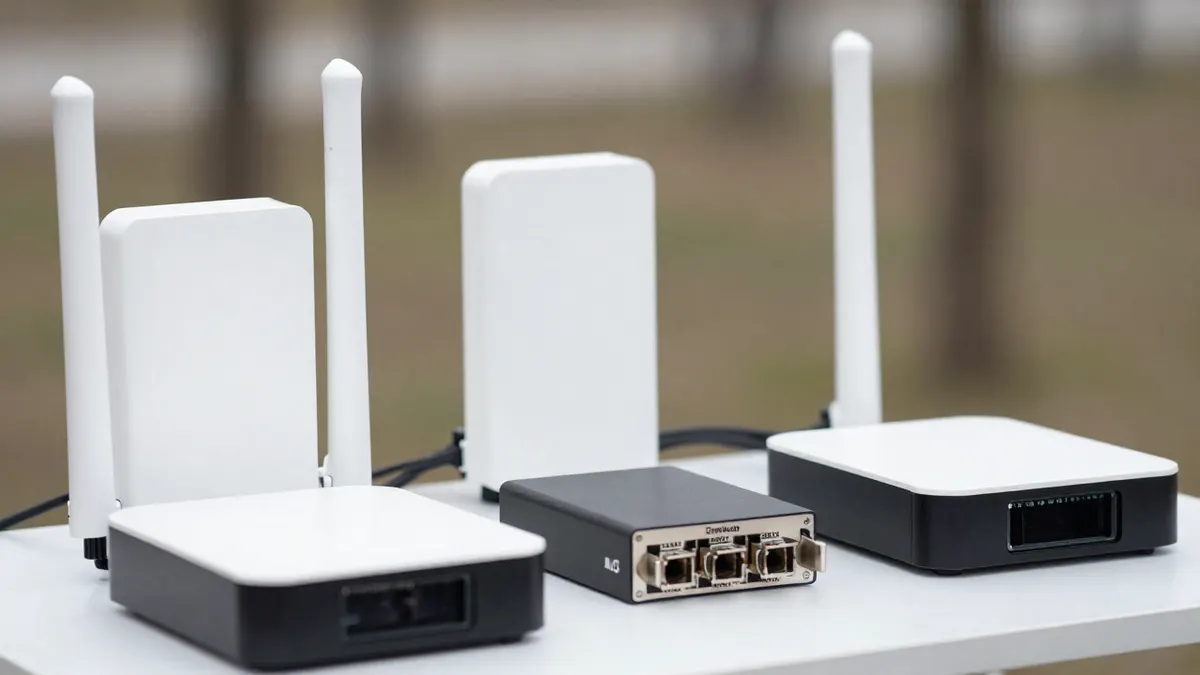
SenseCAP M1 April: key specifications
Here are the figures that matter when you compare units.
- Frequency plan: EU868 (863 to 870 MHz)
- Memory: 8GB RAM, with 64GB eMMC storage on most versions
- Connectivity: Ethernet and Wi-Fi, plus Bluetooth for setup
- Power: 5V USB-C supply, drawing around 5 to 8 W
- Antenna: internal, with roughly 2 dBi gain
Running 24 hours a day, a draw of 6 W comes to about 52 kWh per year. At typical European household rates, that means an electricity cost of roughly 10 to 20 euros annually.
Real-world range and placement
In a city, expect around 1 to 3 km of useful coverage. In open countryside with a clear line of sight, a well-placed unit can reach 5 km or more, though walls and buildings cut that sharply.
Put it near a window, on an upper floor if you can. Keep it away from routers, microwaves and metal shelving. A hotspot sitting in a basement corner will hear very little, and a quiet hotspot earns very little.
Setting up the miner
Setup takes about 15 to 30 minutes. Connect the antenna if one is supplied separately, plug in Ethernet, and power it on. Then pair it through the companion app over Bluetooth, select the region, and wait for the device to sync.
Initial sync can take a few hours. Do not unplug it during that stage. If the status light stays red after a full day, a firmware update or a network reset usually fixes it.
Is it still worth running in 2026?
Be realistic here. Rewards from LoRaWAN data transfer on the Helium network depend on local demand, and many indoor hotspots in dense areas earn very little. Treat the device as a way to take part in the network and cover your own sensors, not as a reliable income source.
Payback is the main question. If the hardware cost is higher than a year or two of likely rewards, the numbers rarely work. Check how many hotspots already sit within 2 km of your address before you decide.
Comparing it with other indoor hotspots
The general SenseCAP M1 LoRaWAN indoor hotspot is the same family, so its specifications carry over to this unit. Discounted listings sometimes appear under the name SenseCAP M1 super sale, and prices there move quickly, so treat any figure as a guide only.
If you want alternatives, the Heltec indoor helium hotspot is a lighter and often cheaper option with a similar EU868 setup. The Finestra miner helium hotspot is another choice, and it is worth reading its specs for antenna and radio differences. The M1 tends to win on build quality and documentation. The others can win on price.
Frequently Asked Questions
What does April mean in SenseCAP M1 April?
It generally points to a batch or shipping period, not a different design. The core hardware matches other EU868 M1 units. Check the label and firmware version on the device itself.
Can I use an EU868 hotspot outside Europe?
No, it is not advisable. Frequency rules differ by region, and using the wrong band can break local radio regulations. Choose the plan that matches the country where the device operates.
Does the 8GB version perform better than smaller models?
For hotspot duties the extra memory makes little difference. Coverage and antenna placement matter far more than RAM. The 8GB figure mostly reflects the board that was available.
How much power does it use?
Typically 5 to 8 W, or roughly 45 to 70 kWh per year. That is a small cost, but it adds up over several years of continuous running.