SenseCAP M1 LoRaWAN Indoor Hotspot (EU868) 8GB – In Stock!
The SenseCAP M1 is a compact indoor LoRaWAN gateway built for the Helium network. It runs on a Raspberry Pi 4 class board, a Quectel or RAK-style concentrator and a small internal antenna, all packed in a white plastic case about the size of a paperback. The version covered here is the EU868 model with 8GB of memory, made for the 863 to 870 MHz band used across Europe.
Stock levels for this unit change often, so treat any availability label you see as a snapshot and check it again before planning a setup.
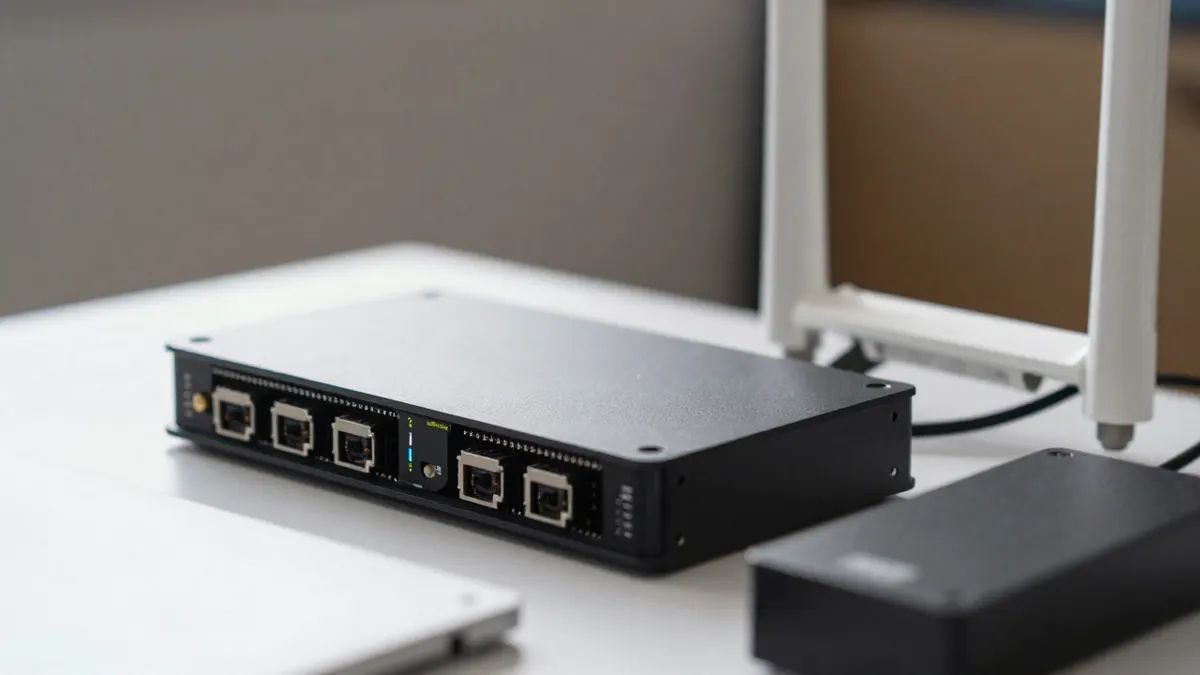
SenseCAP M1 specifications at a glance
The hardware is simple and well documented. Here are the numbers that matter for most people.
- Frequency plan: EU868, with 8 uplink channels and LoRaWAN class A and C support
- Processor: quad-core ARM Cortex-A72 at 1.5 GHz
- Memory: 8GB RAM and a 32GB storage card
- Connectivity: Gigabit Ethernet, Wi-Fi 2.4/5 GHz and Bluetooth 5.0 for onboarding
- Power: 5V USB-C adapter, drawing roughly 5 to 7 W in normal use
- Antenna: internal, around 2 dBi gain
At 5 to 7 W, running it all year costs approximately 45 to 60 kWh. That is a few euros a month at typical European rates, so electricity is a minor line item.
SenseCAP M1 Helium hotspot: what it does and how far it reaches
As a Helium hotspot, the M1 forwards data from nearby LoRaWAN sensors and trackers to the network. It also takes part in Proof of Coverage, which is how the network checks that radios really sit where they claim to be.
Range depends almost entirely on placement. Indoors in a dense city, expect a few hundred metres. Near a window on an upper floor in a suburb, 1 to 2 km is realistic. Line of sight over open ground can stretch further, but the small internal antenna limits what you can expect.
Keep the unit away from metal shelves, routers and thick concrete walls. A spot beside a window, at least 1 m off the floor, usually beats a cupboard by a clear margin.
Rewards in 2026
Earnings from a single indoor unit are modest and vary with local coverage, nearby hotspots and token price. Many owners now run a gateway to support sensors they own rather than to chase income. Do the maths with current figures before spending anything, and assume the return may be small.
SenseCAP M1 EU868: frequency and regional notes
The EU868 label matters. A unit built for another plan, such as US915, will not work legally or properly on European frequencies. The M1 for Europe is sold with the correct concentrator and filters, and it should be configured with the EU868 region during onboarding.
If you are comparing models, a list of EU868 helium hotspots helps you see which units share this band and which ones target other regions. Duty cycle rules in Europe also limit transmission time to about 1 percent on most sub-bands, which is one reason range and throughput figures differ from those quoted for the US.
The April edition
Some buyers ask about revisions. The SenseCAP M1 April edition is a later production batch, and it is worth reading what changed before assuming two units are identical. Check the label on the case and the firmware version after the first boot.
How to set up the SenseCAP M1
Setup takes about 15 to 30 minutes if your internet is stable.
- Plug in the power adapter and connect Ethernet if you can. Wi-Fi works, but wired is more reliable.
- Wait for the LED to settle, which takes around two minutes.
- Open the companion app on your phone and enable Bluetooth.
- Pick the hotspot, choose the EU868 region and set your location.
- Confirm the antenna gain and height, then wait for the first sync.
The first full blockchain sync can take several hours. A hotspot that looks idle during this time is normal.
Buy SenseCAP M1: what to check before paying
Prices for the M1 have moved a lot over the years. At the moment, expect to pay from roughly 100 to 200 euros for a new unit, depending on the seller. Anything far below that range deserves suspicion.
Before you buy a SenseCAP M1, check four things: the frequency plan on the box, the memory size, whether the unit has an onboarding history, and the length of the warranty. A used gateway may still be tied to a previous owner's account, which can block you from adding it.
Indoor or outdoor?
If your window position is poor, an outdoor model with a better antenna will outperform the M1. The SenseCAP outdoor gateway is the usual step up, with higher gain and weatherproofing. For a flat in a typical European town, though, the indoor unit is enough for most sensor projects.
Alternatives
A Heltec indoor helium hotspot is a similar-sized option and sits in the same price bracket. Compare antenna gain, onboarding method and support before picking one.
Frequently Asked Questions
Is the SenseCAP M1 still worth buying in 2026?
It is a sensible choice if you want a simple LoRaWAN gateway for your own sensors or to add coverage in an area with few hotspots. As a pure income source it is weak, since indoor units earn little in most places.
Can I use a US915 SenseCAP M1 in Europe?
No. The radio hardware is tuned for a different band, and transmitting on it in Europe is not permitted. Always choose the EU868 version.
Does the 8GB version perform better than a smaller one?
Not in radio terms, since range depends on the concentrator and antenna. The extra memory gives a little more headroom for the operating system and the blockchain data.
Where should I place the hotspot?
Next to a window on the highest floor you can use, away from metal and other electronics. Even a move of 2 or 3 metres can change how many devices reach it.